Skip to content
FreeAiWork

Text to Video

0/2000

Public Visibility
Required Credits
15

Explore Examples

Example Video Preview

Prompt: A magical forest with glowing fireflies dancing through ancient trees at twilight

Free AI Video Generator Online

Turn a written idea into a short AI video in seconds. Our free text to video generator helps marketers, creators, and teams produce cinematic clips without a film crew.

Explore Cinematic Text to Video AI Creations

Unlock creative motion with our AI video generator. Describe the subject, action, camera move, and mood — then generate short clips for social media, ads, product stories, and concept boards. Pair with our text to image generator when you need a custom starting frame first.

Advanced Motion Control with the Best Text to Video AI

Our best text to video AI reads prompts with strong scene understanding, so subject motion, pacing, and atmosphere stay closer to your intent. Guide camera behavior, lighting, and style in natural language. When you already have a still, continue in our image to video tool workflow for frame-guided animation.

Try Image to Video
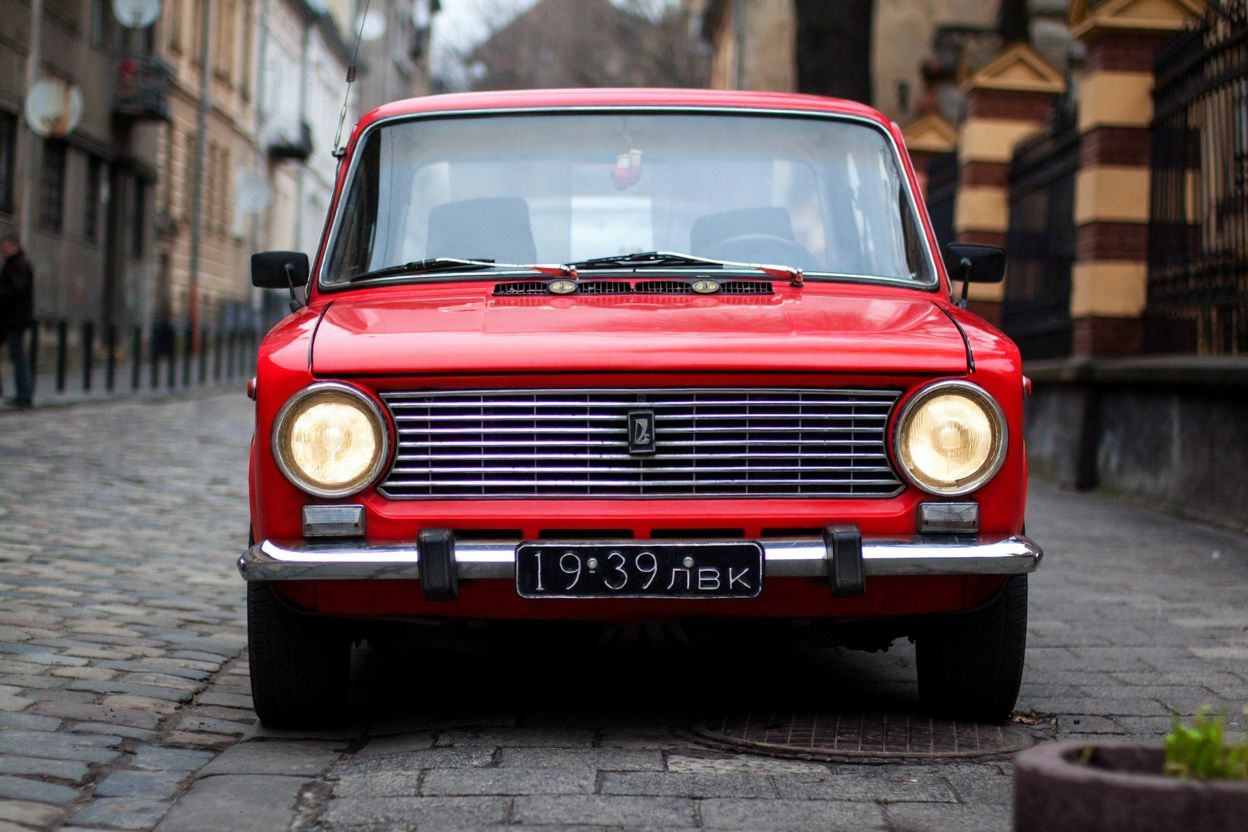
Cinematic AI video scene created with a text to video generator for campaign concepts and social storytelling

Cinematic AI video scene created with a text to video generator for campaign concepts and social storytelling

Fast Iteration with AI Video Generator Free Online

With our free online AI video generator, you can test multiple prompt directions quickly — ideal for campaign drafts, storyboards, and social content calendars. Adjust duration, aspect ratio, and model before you spend more credits. Refine stills in image to image tool when the look needs polish before motion.

Start Generating
Product motion concept created with an AI video generator free online for e-commerce and marketing teams

Product motion concept created with an AI video generator free online for e-commerce and marketing teams

Generate Authentic Scenes with Text to Video AI

Our text to video AI helps you create clips that feel grounded — natural motion, believable lighting, and coherent framing. From product reveals to imaginative cinematic moments, results are ready to review, edit, or share. Explore finished ideas in the community gallery.

Explore Gallery
AI-generated video still showing realistic motion and atmosphere from a text to video prompt

AI-generated video still showing realistic motion and atmosphere from a text to video prompt

AI Video Models Available on FreeAiWork

Discover leading AI video models on FreeAiWork — including Seedance 2.5, Seedance 2.0, Veo 3.1, MiniMax H3, and Kling — all from our text to video generator workspace.

Seedance

ByteDance multimodal video models with strong transitions, audio options, and flexible lengths. Try Seedance 2.5 or Seedance 2.0 for dedicated generation.

Available Models

Seedance 2.5

Professional multimodal text to video with rich reference support and cinematic motion for premium creative drafts.

Seedance 2.0

Top-tier multimodal video generation with text, image, and audio inputs up to high resolution.

Seedance 2.0 Fast

Faster, affordable Seedance workflow for rapid concept testing and high-volume drafts.

Seedance 1.5 Pro

Multi-scene storytelling with audio generation and smoother transitions for narrative clips.

Google Veo

Google video models with native audio and polished cinematic framing. Open Veo 3.1 for dedicated Veo 3.1 workflows.

Available Models

Veo 3.1 Basic

High-quality text to video with native audio — balanced for speed and visual polish.

Veo 3.1 Lite

Cost-effective Veo generation with native audio for high-volume creative testing.

Veo 3.1 Premium

Google's most advanced Veo quality option for premium cinematic output.

Veo 3

Professional video creation with natural audio and reliable motion quality.

MiniMax

Native-audio video generation with strong multimodal control. Try MiniMax H3 for first/last-frame friendly workflows.

Available Models

Kling AI

High-quality motion synthesis for cinematic shorts and social creative drafts inside FreeAiWork.

Available Models

Kling 2.5

Strong motion quality and native sound synthesis for polished short-form video concepts.

Kling 2.1 Master

Master-tier Kling option for higher visual consistency and refined camera movement.

Why Choose Our AI Video Generator

Faster Creative Drafts with Text to Video AI

Unlike unpredictable tools, our text to video AI turns prompts into clear, usable motion drafts with more stability. Subjects, camera moves, and pacing stay closer to your idea — so you need fewer retries before a reviewable clip.

Quick Style Exploration with AI Video Maker Free

When you want to test visual directions fast, the AI video maker free lets you generate multiple looks in minutes. Small prompt changes help you compare lighting, mood, or camera style without booking a shoot.

Cleaner Prompt Control with a Free AI Video Generator

A reliable free AI video generator is about control as much as speed. Clear prompt handling helps guide composition, motion focus, and atmosphere so repeated generations feel intentional instead of random.

Consistent Campaign Clips with AI Video Creator

The AI video creator works best when you need continuity. Reuse a strong prompt structure and swap only key elements to keep a consistent look across ads, social series, and product concepts.

Best AI Video Generator for Publish-Ready Shorts

Create short clips that look polished enough for landing pages, ads, and social posts. You get an AI video generator free online experience — generate directly in your browser and download when ready.

Natural Motion with Text to Video Online

For more realistic results, text to video online delivers natural motion and lighting. Keep the speed of AI generation while producing scenes that feel closer to filmed footage for marketing and presentations.

How to Use the Free Text to Video Generator

  1. 1

    Choose Your AI Video Model

    Select the text to video model that fits your goal — cinematic Veo, multimodal Seedance, MiniMax H3, or Kling. The right model helps the free AI video generator stay consistent with your prompt intent.

  2. 2

    Write a Clear Motion Prompt

    Describe the subject, action, setting, camera movement, lighting, and style. Details like "slow push-in," "soft daylight," or "product spin" help the AI video generator produce cleaner motion and more usable clips.

  3. 3

    Set Ratio, Length, and Audio

    Pick aspect ratio, duration, resolution, and audio options based on where the clip will publish. Review the credit cost before you generate so iterations stay efficient.

  4. 4

    Generate, Review, and Download

    Click Generate, preview the motion, then refine the prompt or settings if needed. Download the result for editing, social posting, or client review. Start stills with {{textToImage}} when you need a custom first frame.

Step-by-step text to video workflow: write a prompt, choose an AI video model, set length and ratio, then generate a short clip

Step-by-step text to video workflow: write a prompt, choose an AI video model, set length and ratio, then generate a short clip

What Users Say About Our Free AI Video Generator

M

I can turn a product brief into a short motion concept in minutes. This free AI video generator saves us time when we need launch drafts before a full shoot.

Maya K.

E-commerce Marketer

J

Text to video AI helps me create social clips quickly and keep a consistent look. I tweak a few words and still get something on brand.

Jordan P.

Social Media Manager

E

I use the AI video maker for storyboard drafts and lesson examples. It is especially handy when stock footage does not match the script.

Elena R.

Content Creator

AI Video Generator Examples & Use Cases

Create scroll-stopping short clips
Social Content

Create scroll-stopping short clips

Generate vertical and landscape shorts for TikTok, Reels, and YouTube concepts from a single prompt — perfect for rapid content calendars.

FAQ

Common questions about our free AI video generator and text to video workflow.

What is the best free text to video AI generator online?

+
FreeAiWork is a powerful free AI video generator that supports Veo 3.1, Seedance 2.5, Seedance 2.0, MiniMax H3, and Kling models. Create short cinematic clips from text prompts directly in your browser.

How can I generate AI videos from text prompts?

+
Type a descriptive prompt into the text to video generator, choose your preferred model, set aspect ratio and length, then click Generate. Refine camera movement, lighting, and mood by adjusting your prompt.

Are videos created with the free AI video generator watermark-free?

+
Yes, our free AI video generator allows you to export clips without watermarks on eligible plans, making them suitable for social posts, marketing drafts, and client reviews.

What video lengths and ratios are available?

+
Available duration and aspect ratio depend on the selected model. Common options include landscape 16:9 and vertical 9:16, with clip lengths typically ranging from a few seconds up to longer multimodal options on Seedance and MiniMax.

Which AI video models does FreeAiWork support?

+
You can generate with Google Veo (including Veo 3.1), Seedance 2.5 / 2.0 / 1.5 Pro, MiniMax H3, Kling, and other models available in the text to video workspace.

Can I use AI generated videos for commercial purposes?

+
Yes, AI generated videos can be used commercially on eligible plans. You can incorporate them into advertisements, e-commerce, branding, and other commercial projects based on your plan and terms.

Do I need video production skills to use text to video AI?

+
No. The text to video AI workflow is beginner-friendly. Describe the scene in plain language, choose a model, and generate — no filming or editing expertise required to get a first draft.

How does text to video AI generation work?

+
The model interprets your prompt, plans motion and framing, then renders frames into a short video. You can iterate by changing the prompt, model, duration, or ratio until the result fits your concept.

Can I start from an image instead of text?

+
Yes. Use Image to Video when you already have a first frame, or create a custom still with Text to Image first, then animate it.

Do I get free credits to create AI videos?

+
New users receive free credits to try text to video generation. Credit cost varies by model, duration, resolution, and audio settings, and is shown before you generate.

Start Creating Videos from Text Today