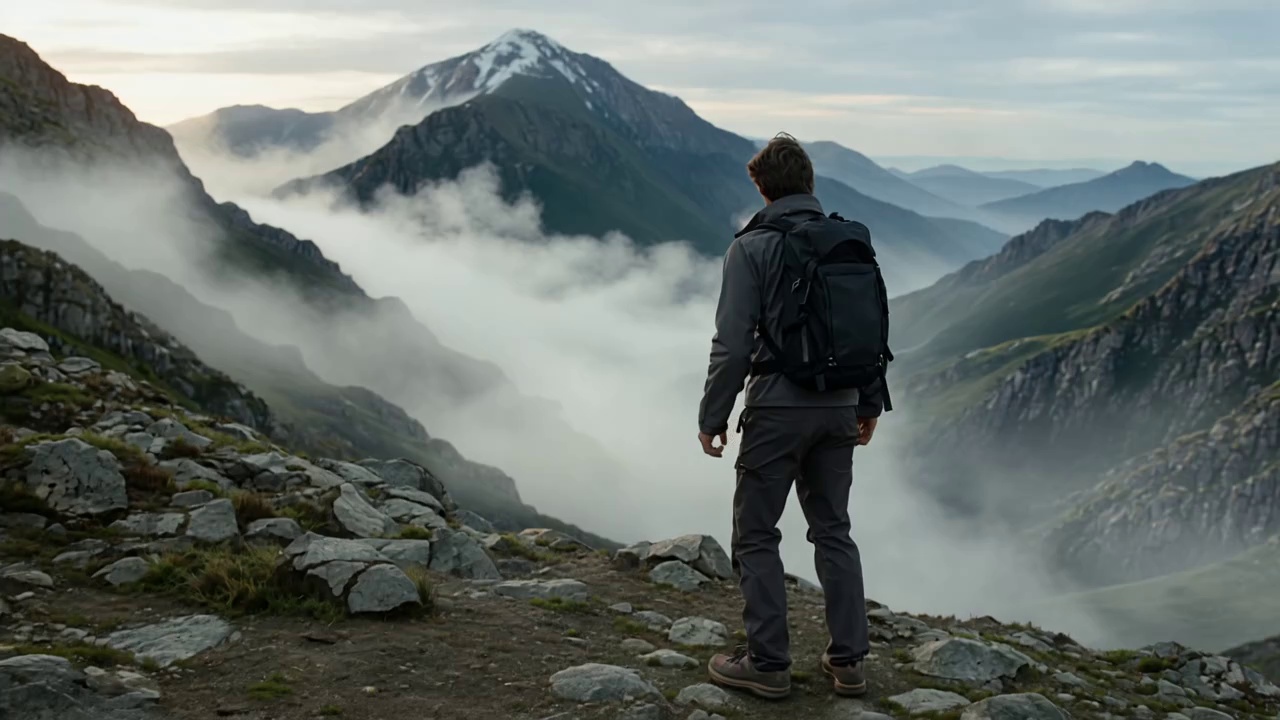
All-in-One AI Image to Video Generator
FreeAiWork is the ultimate, all-in-one AI image to video generator. We offer access to industry-leading video models including Sora 2, Veo 3, and Seedance, all in one single place. Try them seamlessly and create stunning visuals without juggling multiple platforms!
Prompt: A girl walking through a sunrise, a gentle breeze blows, slow push-in from the camera.
Animate Your Images with Our Image to Video AI Generator
Turn any static image into a vivid story with FreeAiWork. Generate creative videos from your uploaded photos with our smart AI image to video generator, tailored to the style you want.
FAQs about Our AI Video Generator
Find answers to common questions about our free AI video generator online and image to video AI workflows.
What is an AI video generator?
+
An AI video generator turns text prompts, images, or visual references into short video clips. You describe the scene and motion, choose the appropriate mode and settings, then review and download the result.
How do I use the AI video generator online?
+
Choose Image to Video, Text to Video, or Reference to Video. Add your input, write a prompt describing the subject and movement, select the model and output settings, generate the clip, and refine it if necessary.
What is the best AI video generator for beginners?
+
The best AI video generator for beginners should support text, image, and reference inputs with clear generation settings. Start with a short prompt or one image, choose a suitable model and format, then preview and refine the result before downloading.
What video lengths are available?
+
You can create clips from 5 to 10 seconds, although the available duration may vary by model and configuration. Short formats suit quick product moments and social content, while longer options allow more time for actions, camera movement, and scene changes.
Can I control the first and last frame?
+
Image to Video supports a first-frame image and an optional end-frame image. The first frame defines how the clip begins, while the end frame helps guide its final composition or transition.
Can I choose the video ratio, duration, and resolution?
+
Yes. Before generation, you can set the aspect ratio, video duration, and resolution, then choose an AI video model based on the speed, visual quality, motion control, and creative style you need.
How many credits does a video use?
+
The exact credit cost is shown before generation. The required amount depends on the selected model, duration, resolution, and other settings. New users receive free credits to get started, and additional credits can be purchased when needed.
How can I improve an AI-generated video?
+
Review the motion, subject consistency, composition, and pacing. Then make one focused change at a time, such as clarifying the prompt, replacing the input or reference, adjusting the end frame, or changing the model and output settings.
Can AI-generated videos be used for commercial projects?
+
Generated videos can support ads, ecommerce pages, branded social posts, websites, presentations, and other business content, provided your use follows the platform's current terms and relevant regulations.
Can I download the generated video?
+
Yes. Once the preview matches your concept, download the video for social media content, advertising concepts, product detail pages, presentations, or other creative projects.